

Most AI tools today run in the cloud. You type a prompt, it goes off to a data centre, and the answer comes back. But more people are getting interested in running AI locally, on their own computer, for better privacy, no subscription fees and no internet dependency.
ASUS wants to make that easier with its new ASUS Agent Computer initiative.
What is ASUS Agent Computer?
ASUS Agent Computer is a collection of ASUS hardware and software that lets you run AI in three ways:
- Locally, on your own machine
- In the cloud
- Hybrid, a mix of both
The idea is to give users control over performance, data privacy and running costs. ASUS says you can even use ASUS devices you already own as Agent Computers.
The hardware
ASUS is covering everything from home builds to enterprise systems:
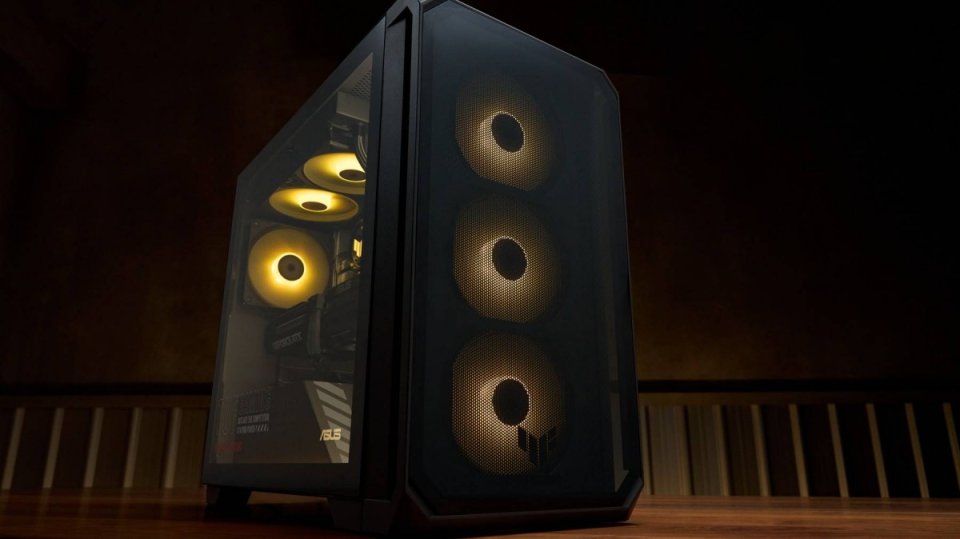
- DIY PC builds with ASUS motherboards from the PRIME, TUF Gaming, ROG and ProArt ranges, paired with NVIDIA GeForce RTX, AMD Radeon AI or Intel Arc Pro graphics
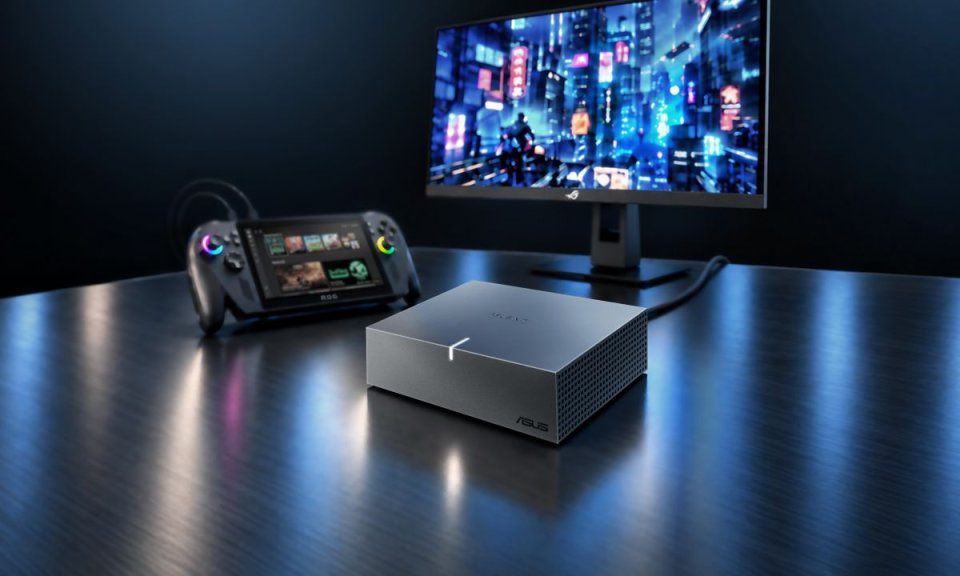
- Laptops, mini PCs and desktops, including the ProArt GR1X Mini PC for creators
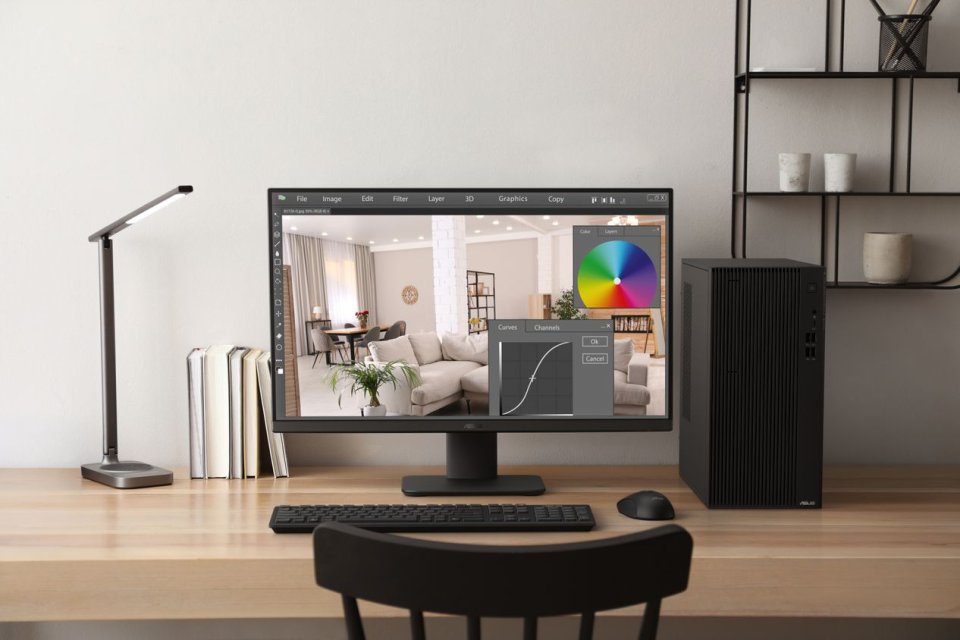
- Workstations like the ExpertCenter Pro ET900A X9
- Enterprise supercomputers for large-scale AI
Not sure what you need? The ASUS Agent Computer website recommends hardware based on your workload, performance needs and whether you want local, cloud or hybrid AI.
The software
ASUS is also building its own AI tools:
| Software | What it does |
|---|---|
| ASUS Zenni Claw | Makes agentic AI, which can carry out tasks for you, practical on consumer devices |
| ASUS Multi-LM Tuner | Helps you set up and optimise large language models on ASUS hardware |
| ASUS DisplayWidget Center | Connects ASUS monitors with agentic AI workflows |
Who is it for?
ASUS says Agent Computers can handle a wide range of uses:
- Personal AI assistants
- AI development and self-hosted home labs
- Professional content creation
- Enterprise AI deployment
For businesses, ASUS is also pitching lower long-term costs, helping companies keep track of the total cost of ownership and operating costs as they scale up AI.
Source: ASUS Pressroom

Leave a comment