
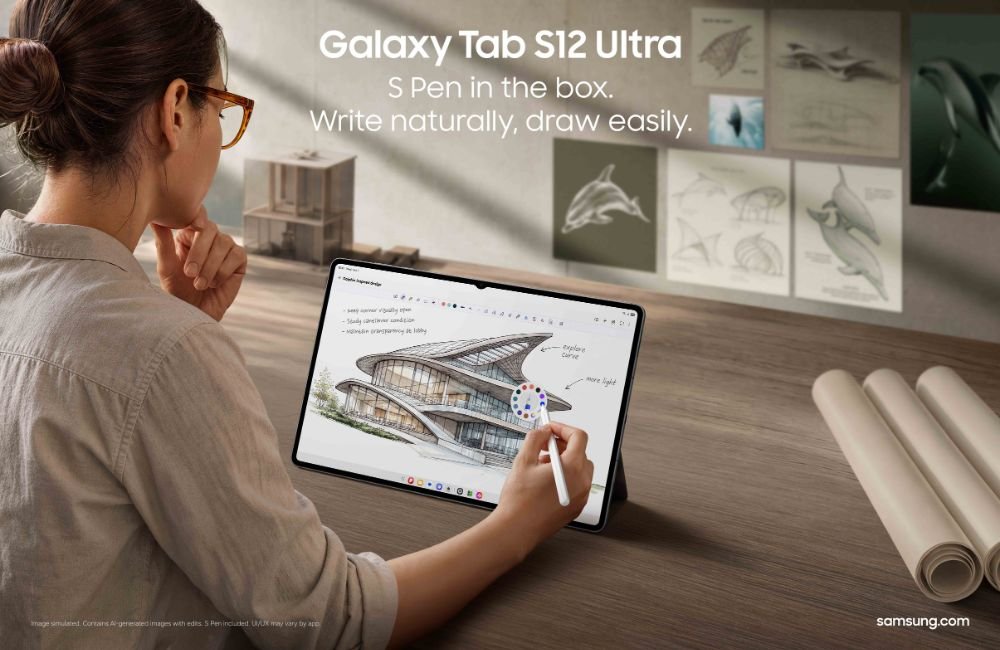
Picking up a new hobby like photography, video editing or digital art usually means juggling a lot of tools. You need tutorials, notes, reference images and editing apps, often spread across your phone, laptop and a notebook.
Samsung is pitching the Galaxy Tab S12 series as a single device that covers it all, from learning a new skill to producing finished work.
Powerful and slim
The Tab S12 series runs on a 3nm processor, which Samsung says makes it its most powerful Galaxy Tab yet. It’s built to handle heavier tasks like multitasking, image editing and video production.
| Galaxy Tab S12 Ultra | Galaxy Tab S12+ | |
|---|---|---|
| Display | 14.6-inch Dynamic AMOLED 2X | 12.6-inch, slimmer bezels than before |
| Thickness | 5.1mm (Samsung’s thinnest Galaxy Tab) | Not stated |
| Battery | 11,600mAh | 10,600mAh |
| Video playback | Up to 23 hours | Up to 21 hours |
| Charging | 45W (0 to 100% in about 95 minutes) | 45W |
Both come with the S Pen in the box.

AI tools for learning and planning
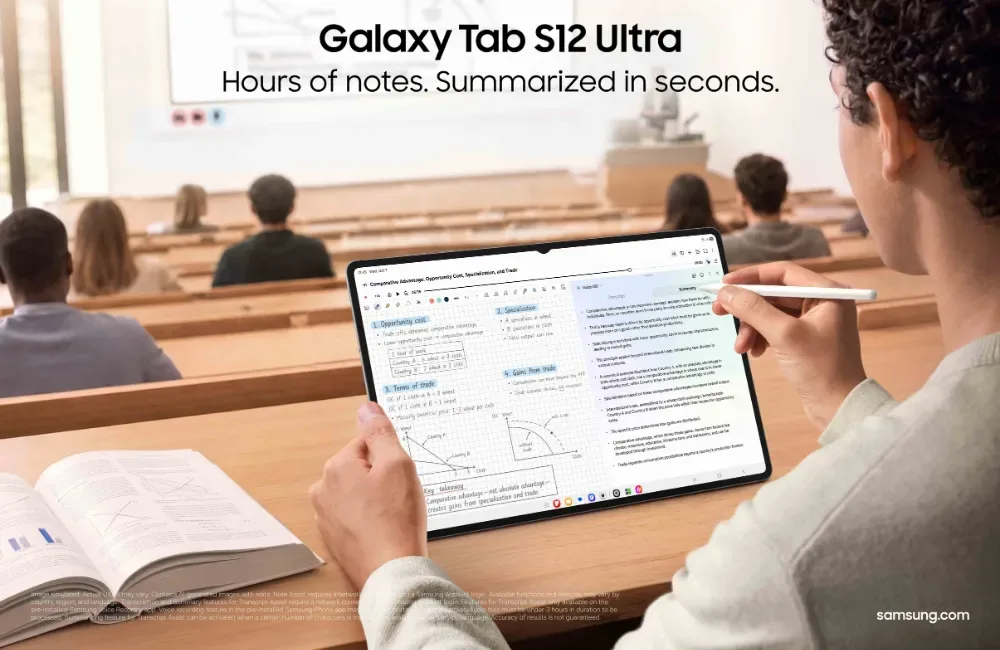
Samsung Browser with Galaxy AI can summarise information across your open tabs and bring up relevant pages from your browsing history. It’s handy when you’re researching a new topic and have 20 tabs open.
The Tab S12 series also comes with a six-month trial of Google AI Pro. This includes Gemini Notebook, which pulls your notes, images, recordings and files into one place, then turns them into summaries, podcasts and quizzes to help you learn.
To work on several things at once, Multi Window splits the screen into up to three apps. You could watch a tutorial, take notes in Samsung Notes and ask an AI assistant questions, all at the same time.
With the S Pen, you can also use Note Assist to summarise long handwritten notes.
Creative apps on board
This is where the Tab S12 series really stands out:
- Adobe Photoshop: pre-loaded for the first time on an Android tablet, with a tablet-friendly layout, S Pen support and AI features like Generative Fill and Image to Video. You get four months of the Photoshop mobile plan free.
- Creative Studio: combine S Pen sketches, images and text prompts with Galaxy AI to create and refine visuals.
- LumaFusion: professional video editing, with a 66% discount and a one-month free Creator Pass when bought through the Galaxy Store.
- Clip Studio Paint: drawing and painting tools for illustrators, with a six-month free trial for first-time users and 20% off your first subscription.
Good to know before you buy
- Free trials end. Google AI Pro, Photoshop and Clip Studio Paint all need a paid subscription once the free period is over. Set a reminder if you don’t plan to keep paying.
- The 45W charger is sold separately. To get the full 95-minute charge time, you’ll need to buy the adapter.
- Creative Studio adds an AI watermark to images it edits.
Find out more
Samsung hasn’t shared pricing in this announcement. You can check the latest prices and models on Samsung Malaysia’s Galaxy Tab S12 page.


Leave a comment