
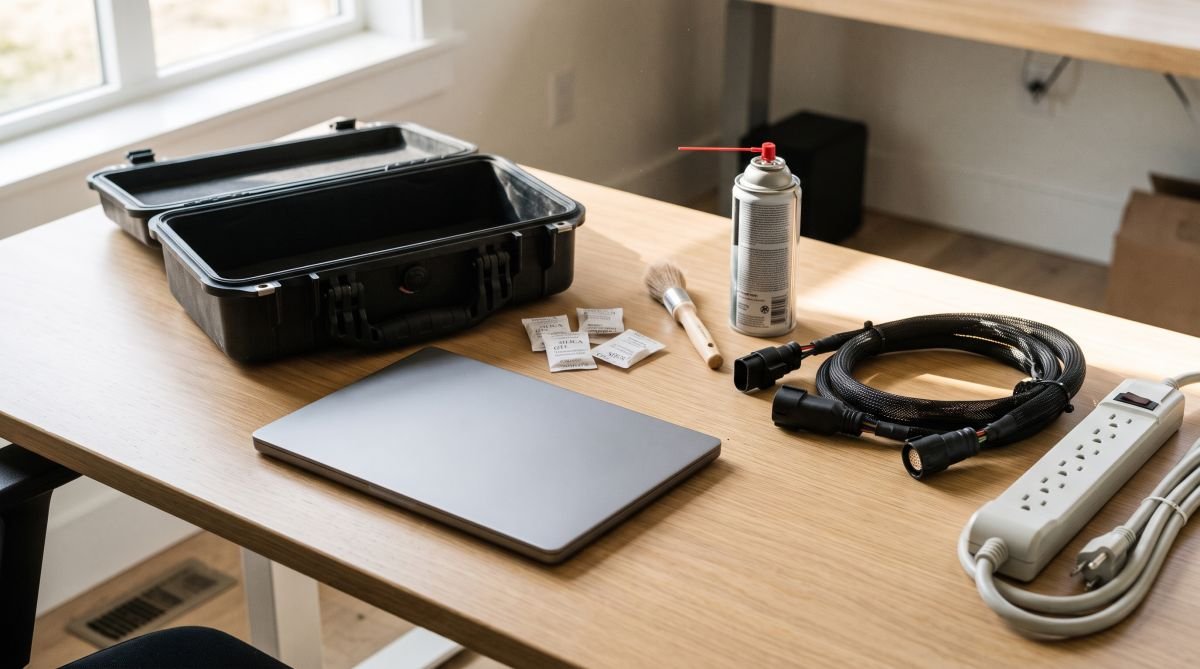
My friend left his laptop bag in the back of his car a few years ago on a July afternoon. That evening, he opened it and the battery had expanded and he could see a slight bend in one edge of the screen. This machine was only two years old. It was a regular spate, no drop, no drama and that was the reason the heat did its work.
There are numerous examples like this. People are more anxious about broken screens and flat batteries, but the surroundings of their devices can damage them just as much — just much more slowly. Fortunately, many of these are avoidable with a few habits and some intelligent decisions.
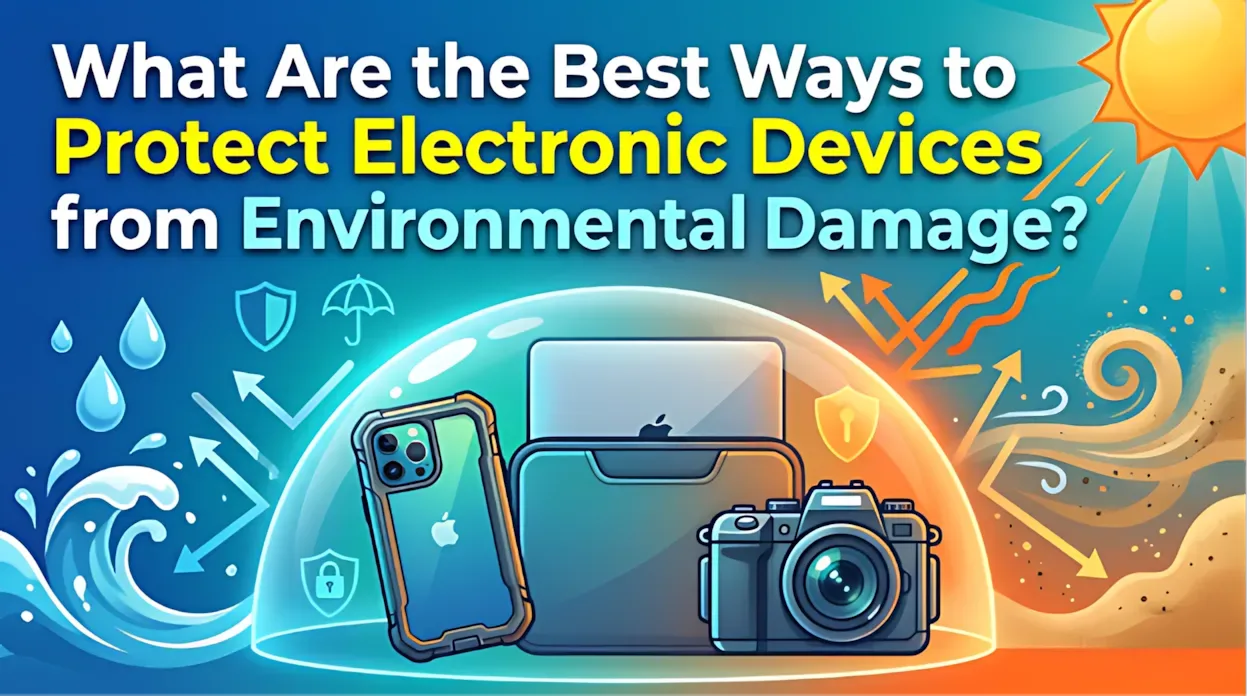
Why Environmental Damage Sneaks Up on You
Electronics are constructed from extremely small, tight tolerances components that aren't fond of surprises. Those parts face stress in many different ways due to heat, cold, moisture, dust, and vibration. The problem is that the effects are not typically seen immediately. A device could operate for months, then begin to reboot randomly, charge slowly, or exhibit a flickering display.
When you see it, the cause is already out, and that's why it's much better to prevent it.
Keep Temperature Under Control
It's all about heat. Batteries shortens their lifespan when they are hot and processors slow, or even fail when they are unable to cool down. There are a couple basic rules that will serve you well:
Never leave devices in a parked car, particularly during the summer or when they are in direct sunlight.
Space out laptops and consoles. Vents are obstructed by soft surfaces such as beds and couch.
Remove phone / tablet cases if they are feeling unusually warm when charging.
Cold is a problem as well. If a phone is in a cold pocket, it could turn off suddenly, as the battery may not have the power to operate it. Turn on a device after allowing it to warm up to room temperature if it has been in an extremely cold environment. Turning it on right away will cause condensation in it, which leads to the next issue.
Respect Moisture and Humidity
Water doesn't need to be spilled to cause damage. Connectors and circuit boards can corrode due to humid bathrooms, moisture in basements, or coastal air. Corrosion creeps up and one day your charging port doesn't work anymore.
Here are a few ways to improve it:
Keep extra electronics in a dry place, preferably containing a couple of silica gel packets.
Avoid charging devices in steamy bathrooms or kitchens by the sink.
If something does get wet: Turn it off, do not press buttons and allow it to dry completely before attempting again. The answer is time and air flow: Rice is a myth.
Don't rely on "water-resistant" as one would expect to be a lifelong protection, as seals age they lose their water-resistant property.
Fight Dust Before It Builds Up
People don't pay attention to dust because it's dull. Within desktop or console, it can block fans and act as a heat blanket. In a workshop or garage, the fine particles can find their way into ports and switches.
Turn off and use a can of compressed air or soft brush to clean vents every few months. Short bursts are better than long ones, and try to avoid letting fans' blades spin freely during the short burst. Filters and enclosed cases are a great help in dusty spaces.
Think About the Wiring, Not Just the Gadget
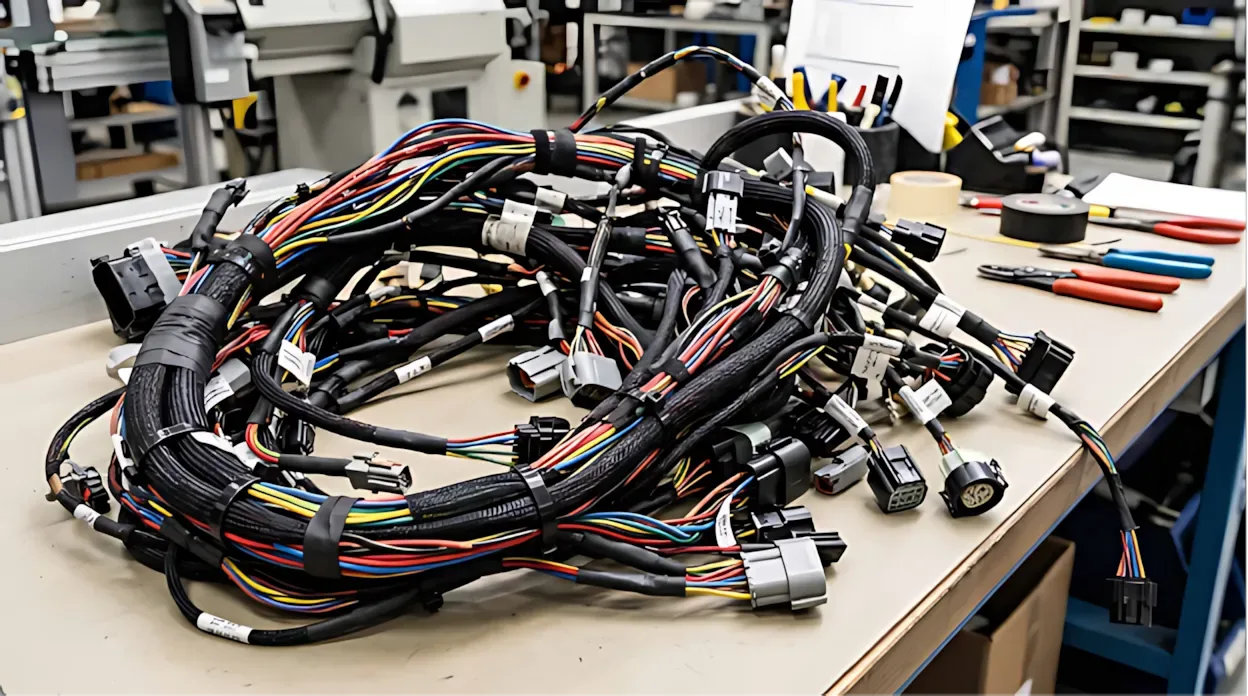
One thing that's overlooked is that a device is as strong as the connections to it. Vibration, flexing and weather exposure wreak havoc on cables, connectors and in-vehicle wiring components, especially in vehicles and outdoor equipment.
This is why serious manufacturers take an interest in the wiring. An advanced automotive wire harness supplier, for instance, builds for vibration, temperature fluctuations and oil, road salt, and moisture, all of which would cause a standard wire to fail in just one season. Those lessons can transfer to other vehicles than cars. When ordering or constructing equipment for strenuous conditions, inquire about testing of the wiring, in addition to the electronics.
Industrial automation works in a similar fashion. A good robotics cable assembly supplier will consider flex life, shielding and strain relief as they flex thousands of times a day. A cable that appears to be good on the spec sheet could fail in weeks if it wasn't designed to take repeated bending.
Use Sealed Connections Where Water Is a Risk
Sealed wiring is worth the investment if equipment is installed outdoors, on a boat or close to washdown. Waterproof Wire Harness assemblies help to prevent moisture from entering where it's most likely to find its way in, thanks to molded connectors, gaskets and protective sleeving. It's like a raincoat for the parts not visible.
If it is for everyday gear, you can take the idea on a smaller scale. Cover outdoor outlets with weatherproof covers, dust caps unused ports and cases with proper gasket for camera or drone equipment.
Protect Against Power Problems and Physical Shock
Weather isn't the only cause of environmental damage. Surge protector your valuable equipment from a power spike caused by a storm or weak electrical grid, or better yet, unplug the equipment during lightning. A small UPS will provide a few seconds to safely power down computers when outages occur frequently.
Physical impact does count. Padded sleeves, robust cases and intelligent travel packing stave off the type of micro-damage that manifests months later as free connections, screen flaking, etc.
Build a Simple Routine
It's not necessary to do everything at once. The following list of items is sufficient:
Avoid exposure of devices to extremes of heat and cold.
Keep them in a dry location that's fairly clean.
Clean vents and ports a few times per year.
Always use surge protection and good quality cables.
When conditions are harsh, select sealed-closed, rugged hardware.
Final Thoughts
Protecting electronics isn't about paranoia. It's about noticing the environment your devices live in and making small adjustments before problems appear. Move the laptop out of the hot car, clear the dust from the fan, spend a little more on a properly sealed cable. Each habit is minor, but together they can add years to a device's life and save you from that sinking feeling when something simply stops working.
Treat your gear like you'd treat a good pair of boots: keep it dry, keep it clean, and don't leave it baking in the sun. It will thank you by lasting.

Leave a comment