
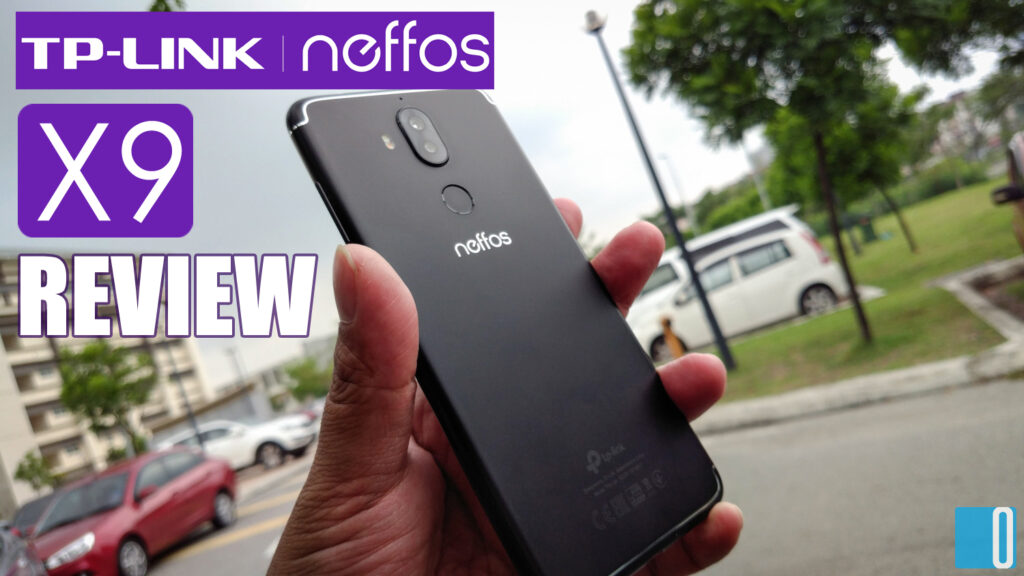
TP-Link. That is the name you would recognise as a brand that makes networking hardwares such as network switches, modems, LAN adapters, WiFi adapters, routers and many others. But do you know that they made an Android smartphone as well?
Well I do. I have heard of Neffos sometime last year and I've wondered how the phone would perform in real world usage. And now I wonder no more. Recently I receive a brand new Neffos X9 smartphone review unit for testing. So after 2 weeks of testing, I have a few things to say in my honest personal review on the new Neffos X9.
First Look & Design
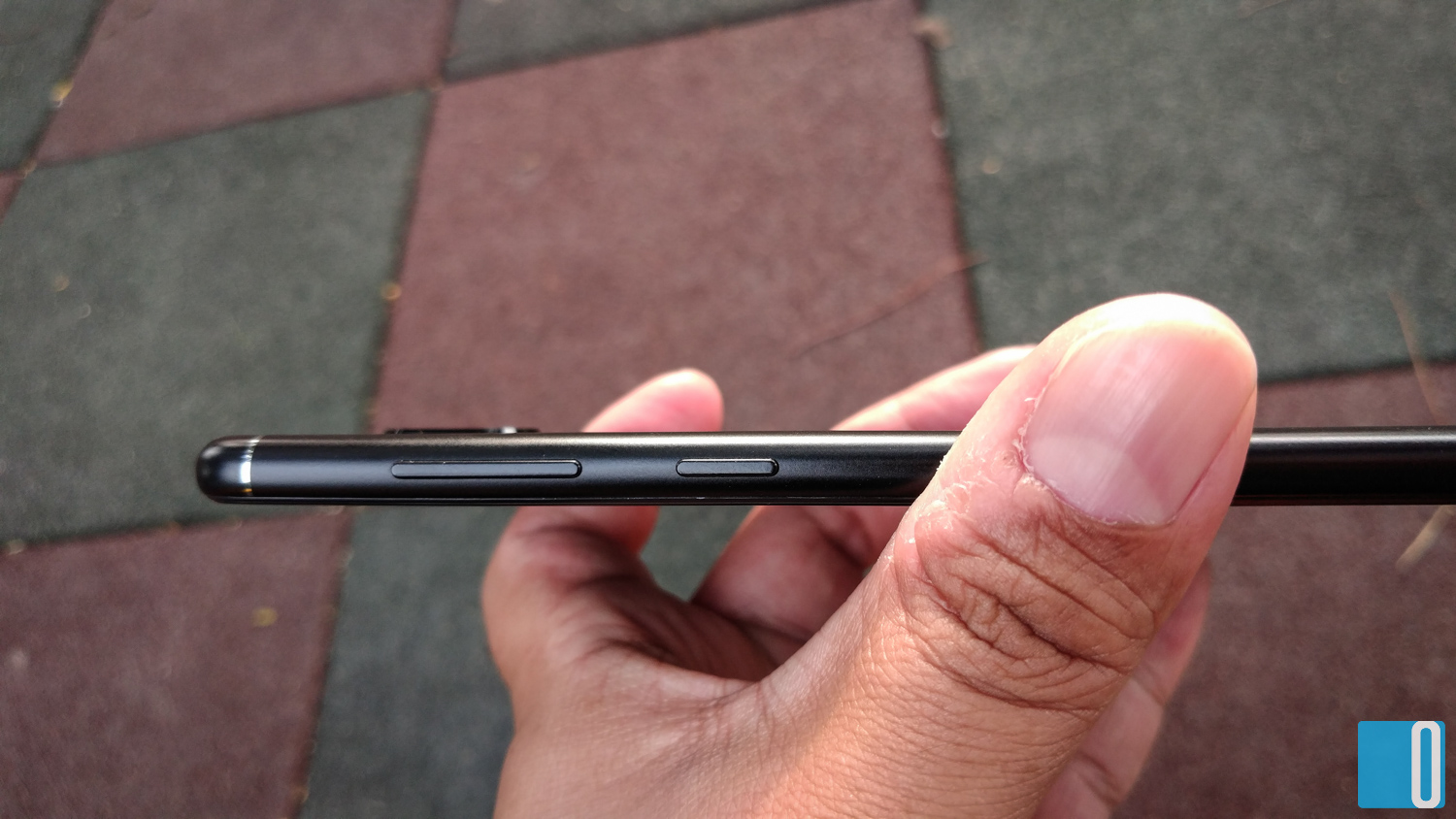
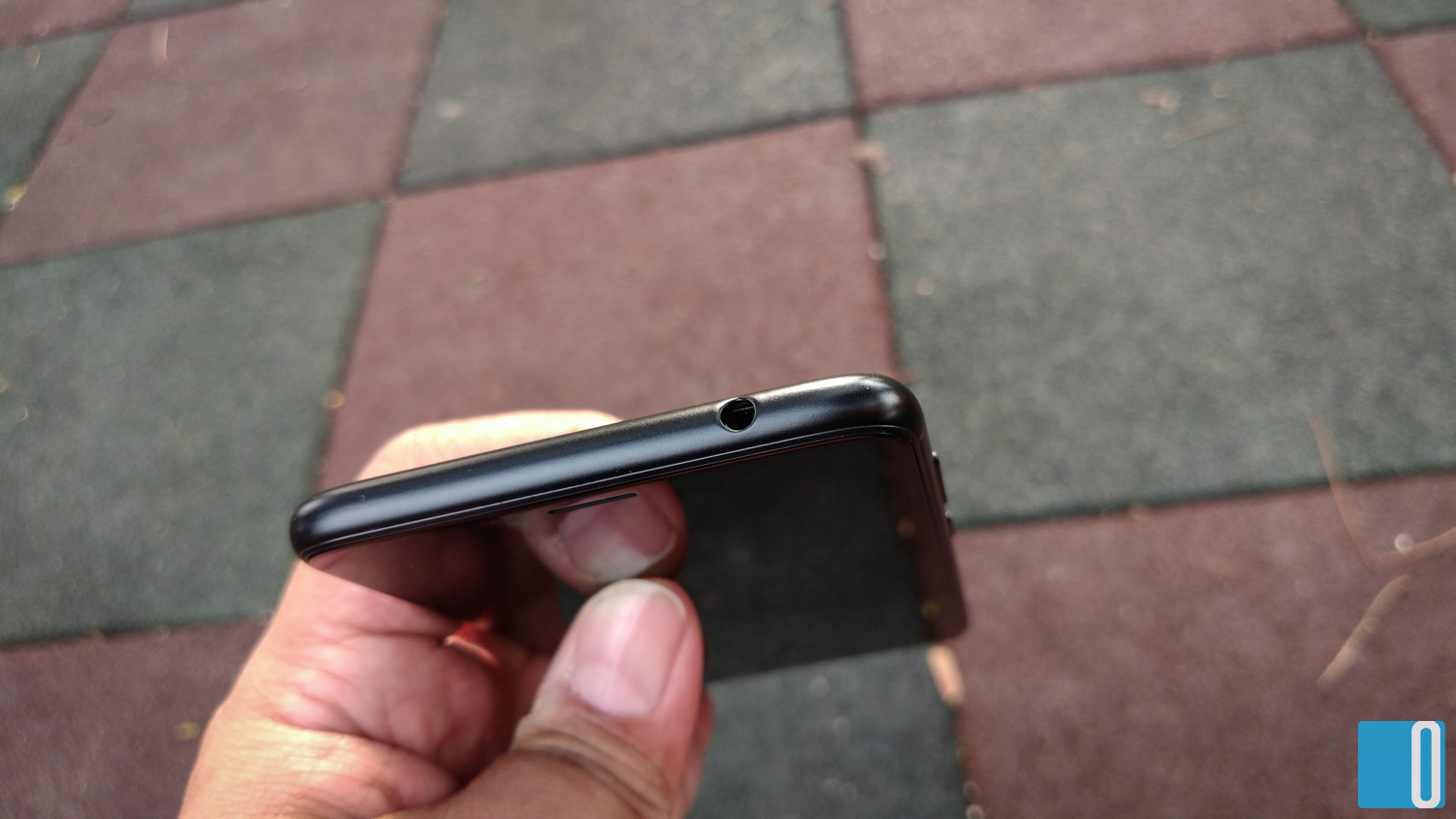
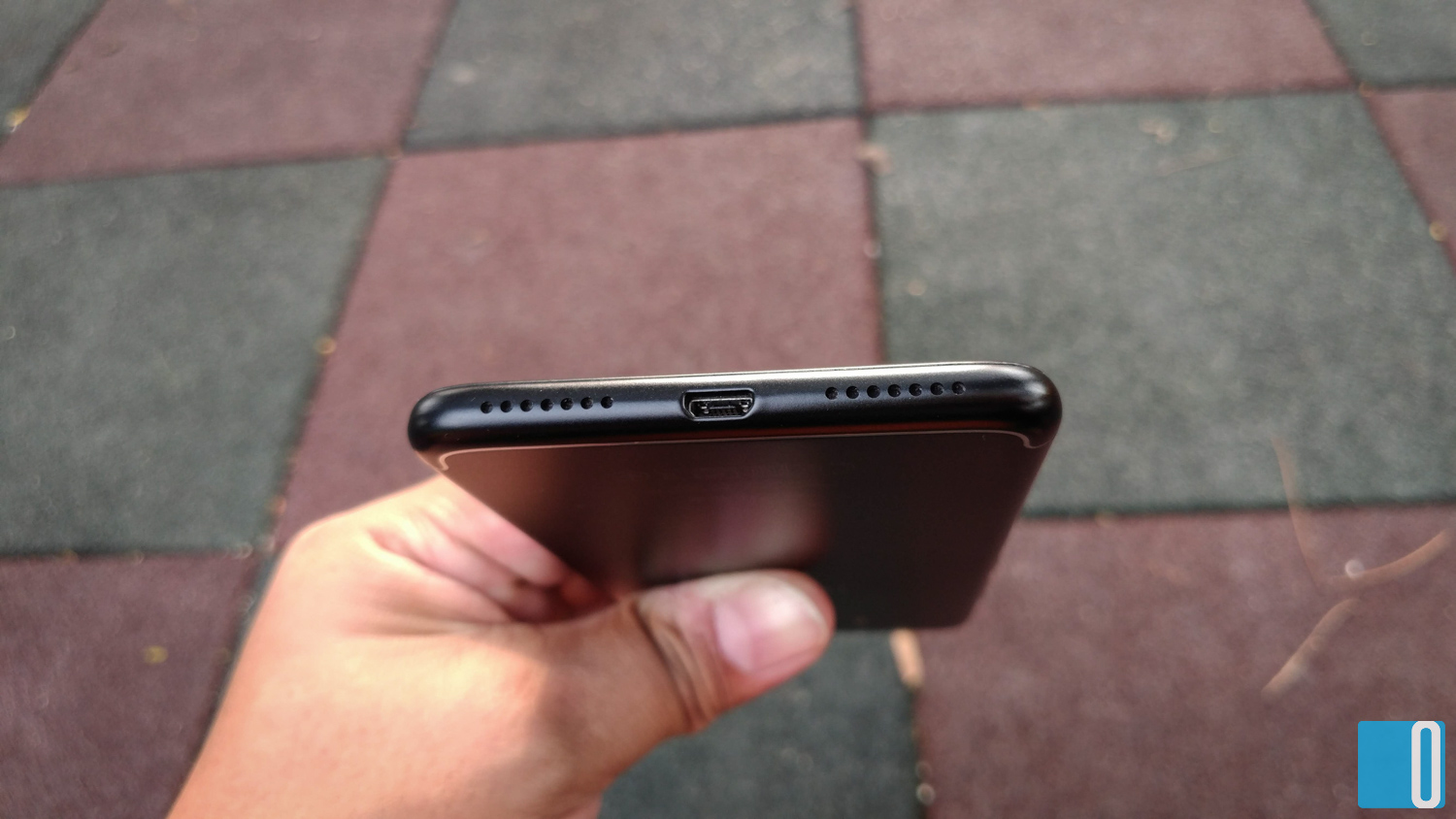
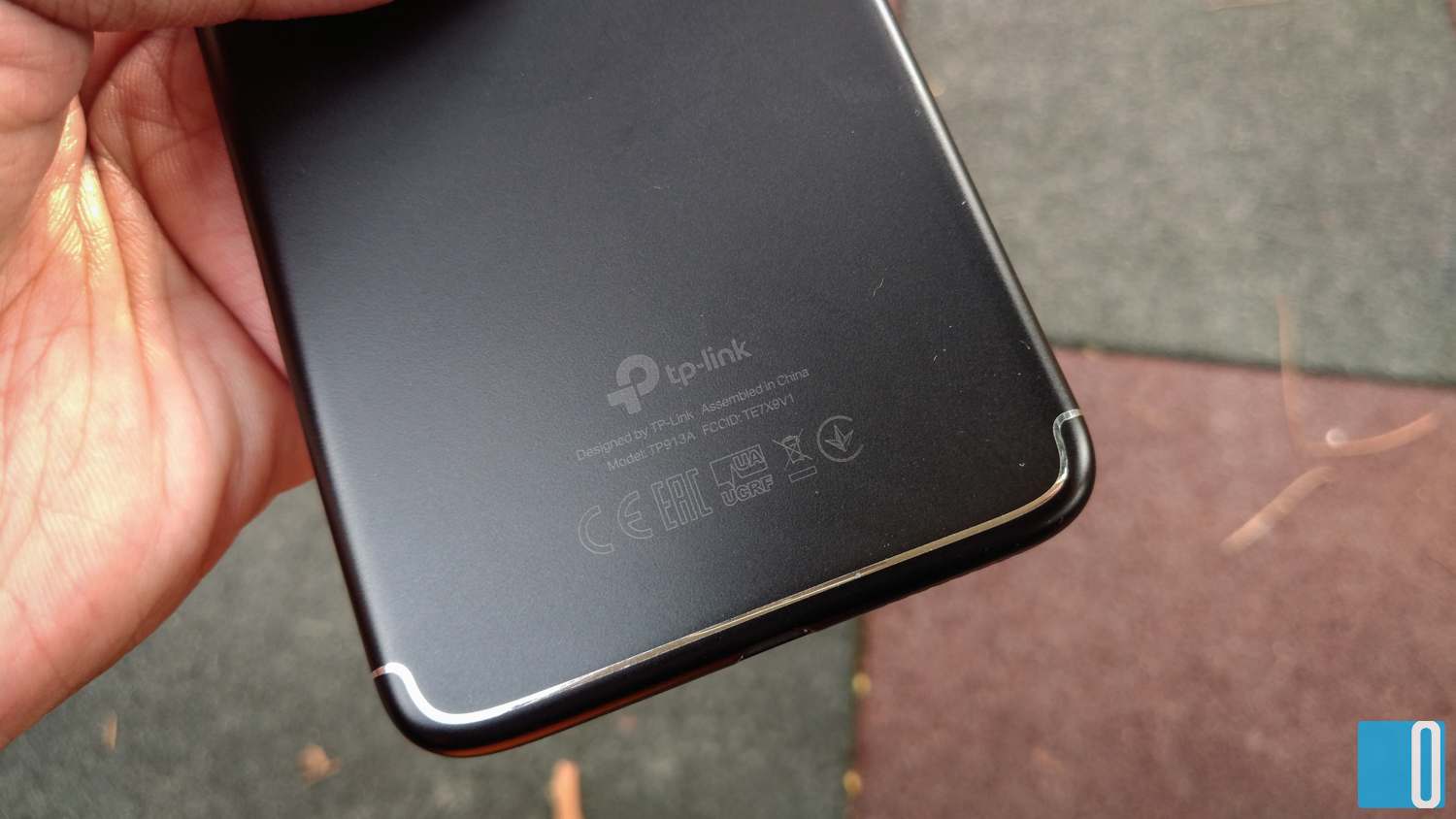
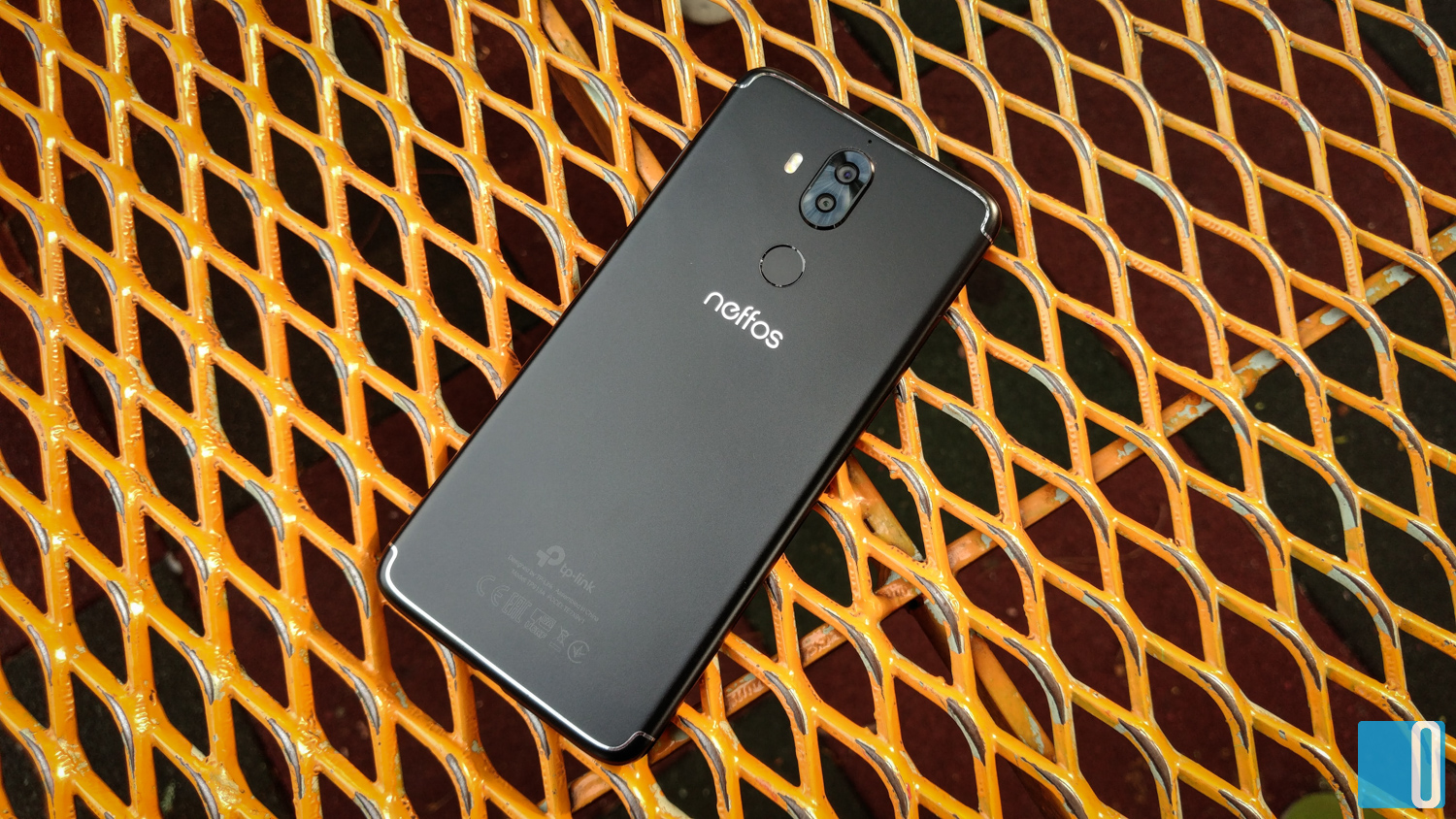
The first time I lay my eyes on the Neffos X9, it has the premium look. I received the black colour unit. It is not the shiny kind, more like matte metal all around with a silver lining that goes around the phone, probably acting as an antennae as well.
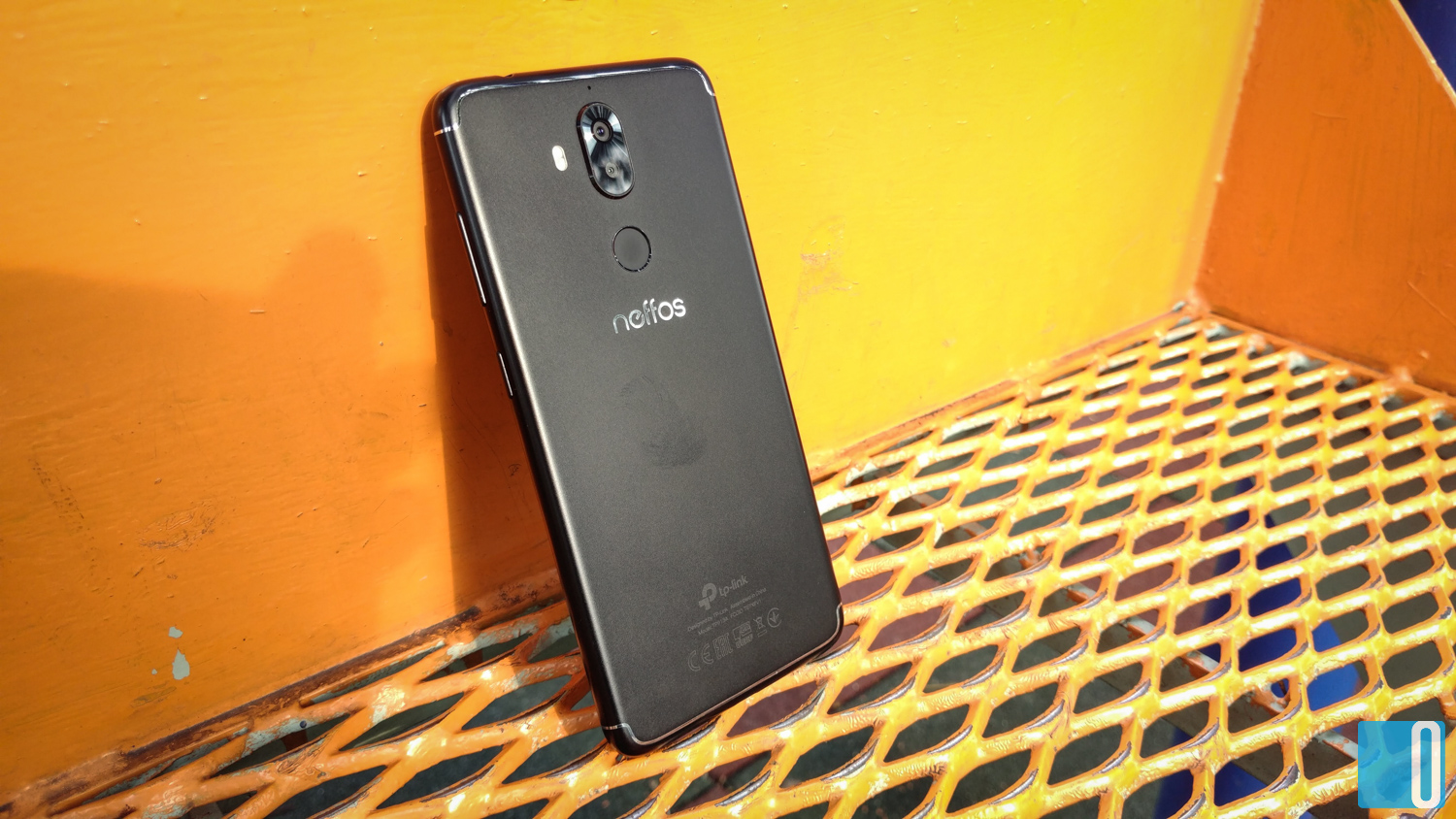
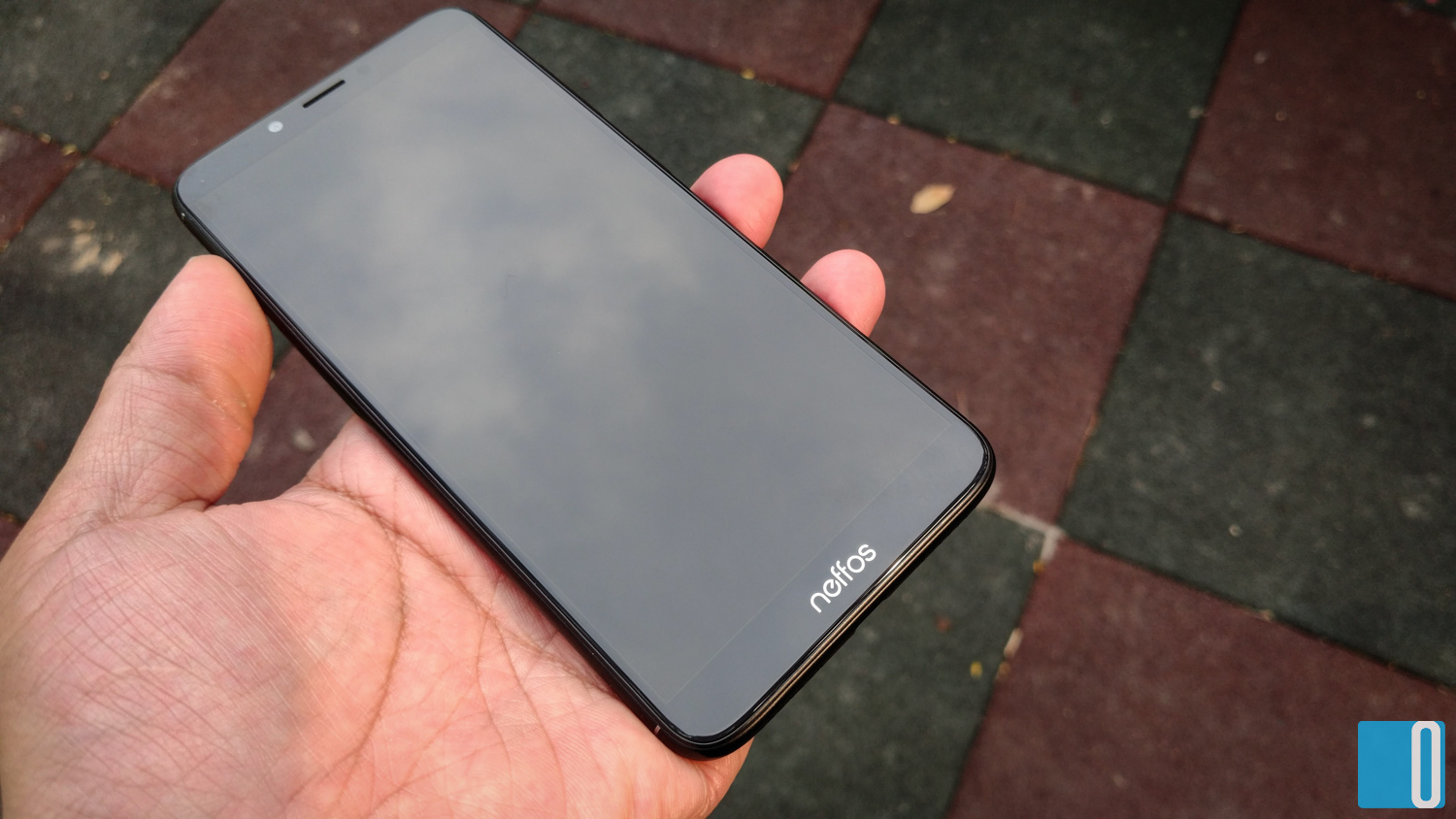
The weight of the phone however feels really light. At first I thought there was no batter in it but then I realised that the battery is built-in. It is that light. The size is just right, claiming to have a full-view display at 5.99" screen size.
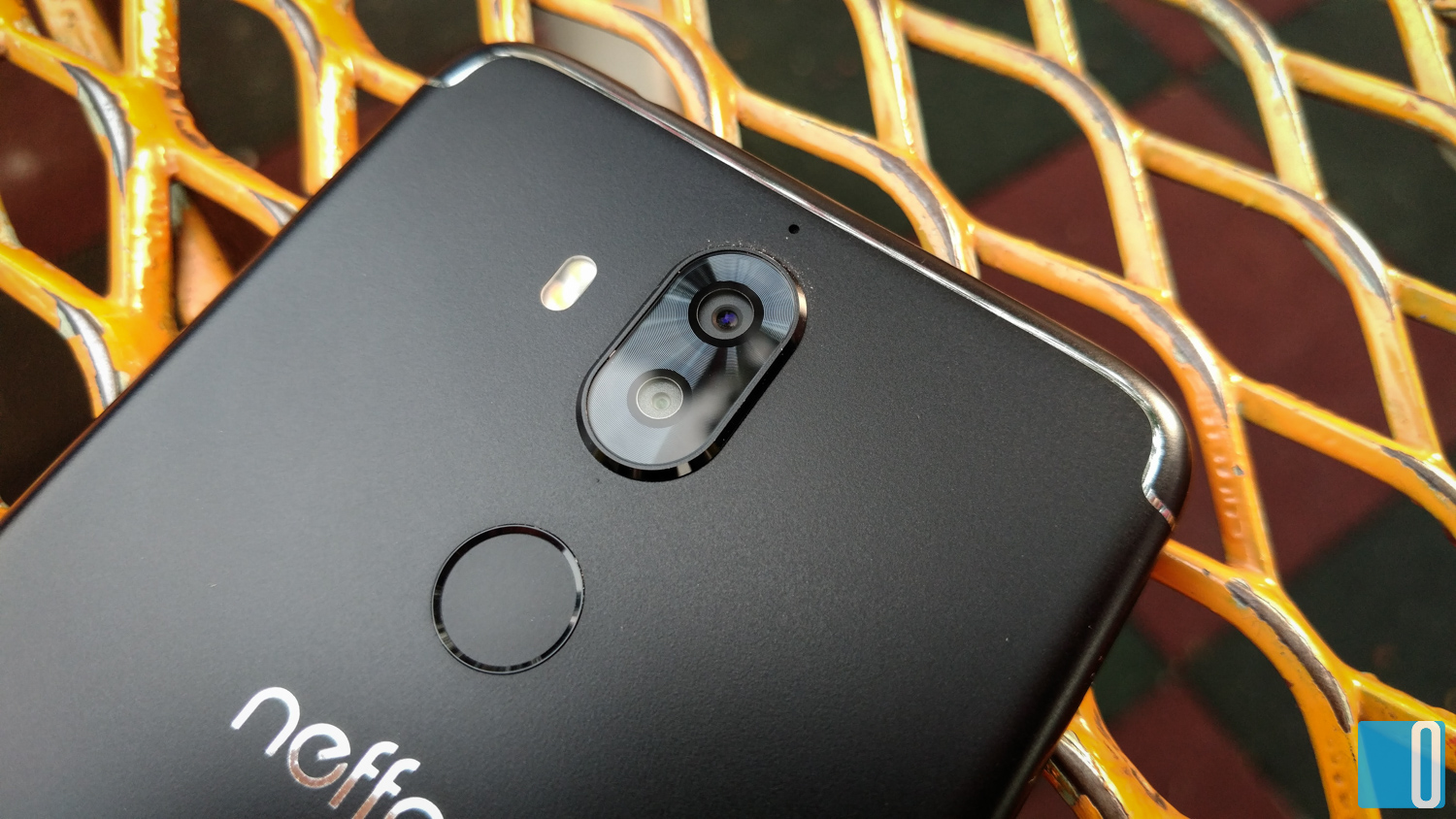
The Neffos X9 is thin which I like and the dual camera module sits at the top center in the rear. The dual camera placement is where I prefer it to be as opposed it being at a corner. And the fingerprint sensor is right below the camera module.
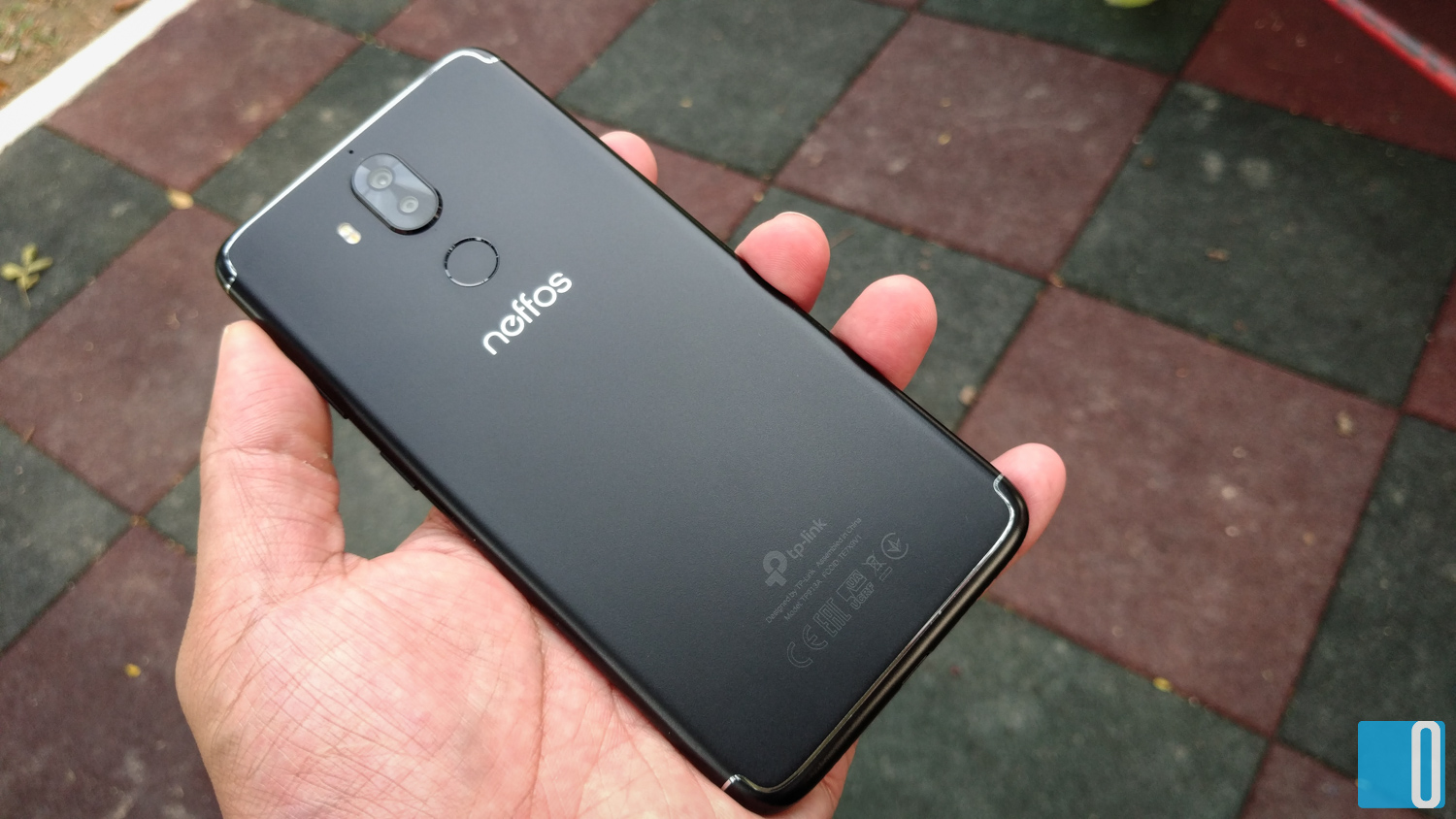
It is a plus point that the Neffos X9 looks premium but the silver/chrome lining around the phone made it look less impressive. If only they use matte gold colour instead, that will look much better. But that's just my opinion.
|
|
|
|
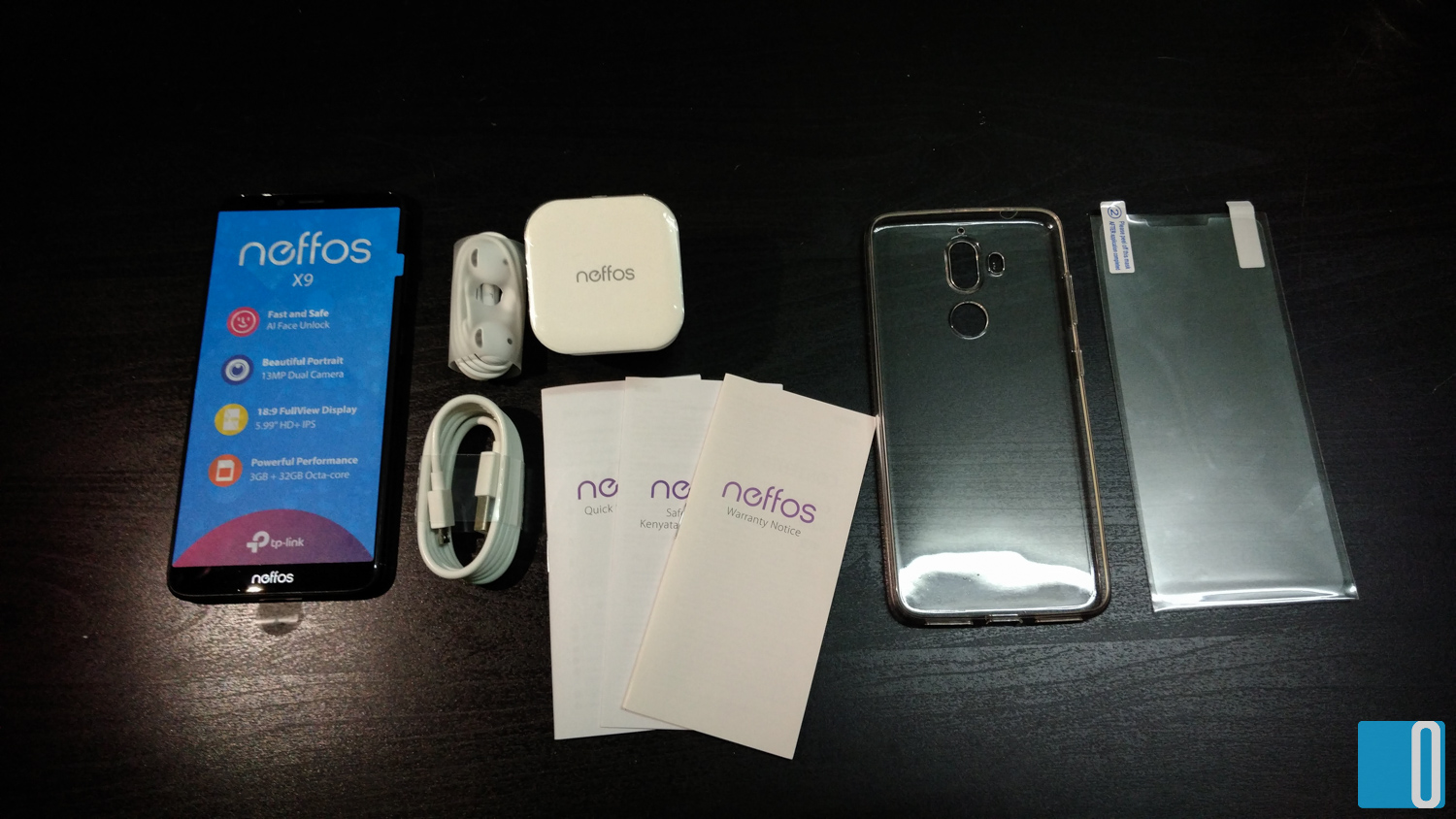
And this is what you're going to get in the box.
Neffos X9 Specifications
| CPU/Chipset: | MediaTek MTK 6750 (4 x Cortex A53 @ 1.5 GHz + 4 x Kryo 385 @ 1.0 GHz), 28nm |
| GPU: | ARM Mali-T860 MP2 |
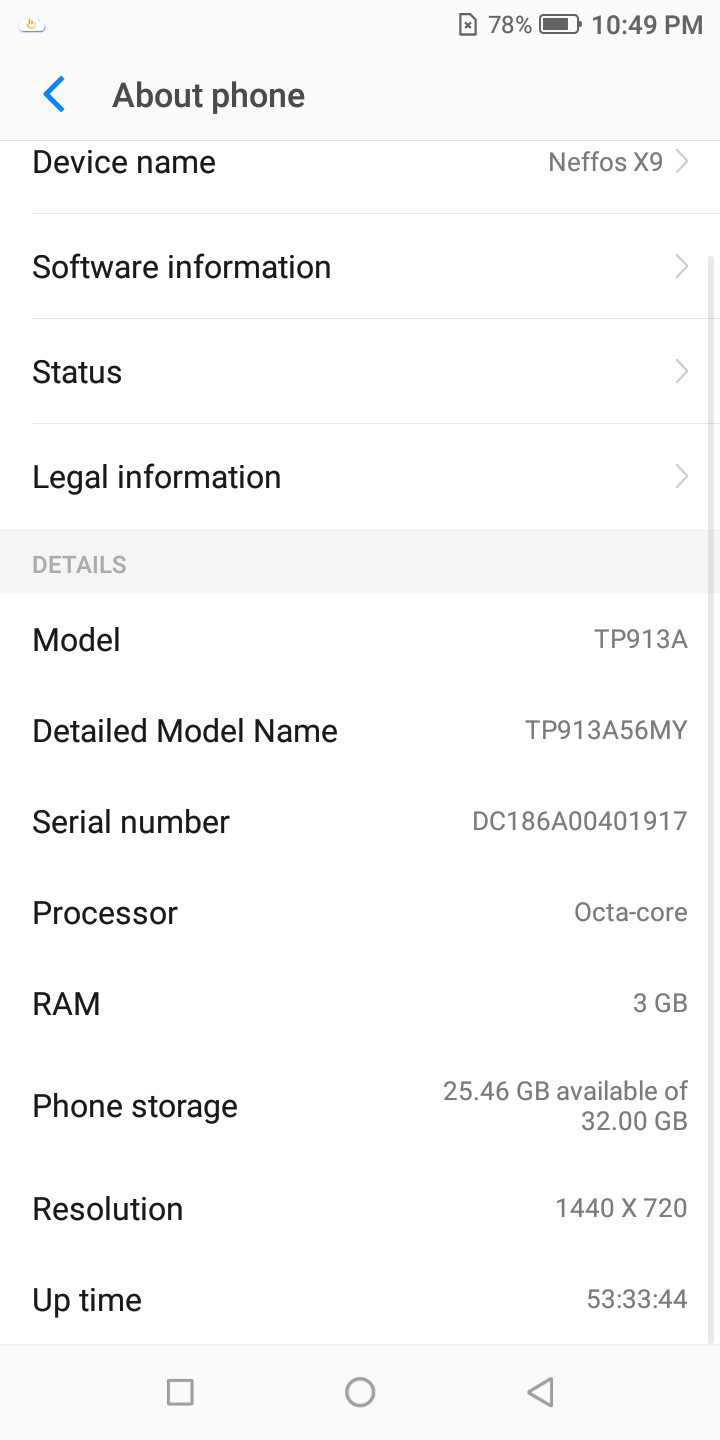
| RAM: | 3GB |
| Display: | 5.99″, HD+ (720p) IPS display |
| Storage: | 32GB (expandable via microSD card up to 128GB) |
| Camera: | Main Camera(s) Primary: 13MP f/2.0, PDAF Secondary: 5MP depth detection Dual LED flash, HDR, portrait mode, filters, Pro mode Front Camera 8MP f/2.2 Beauty, HDR, portrait mode, filters |
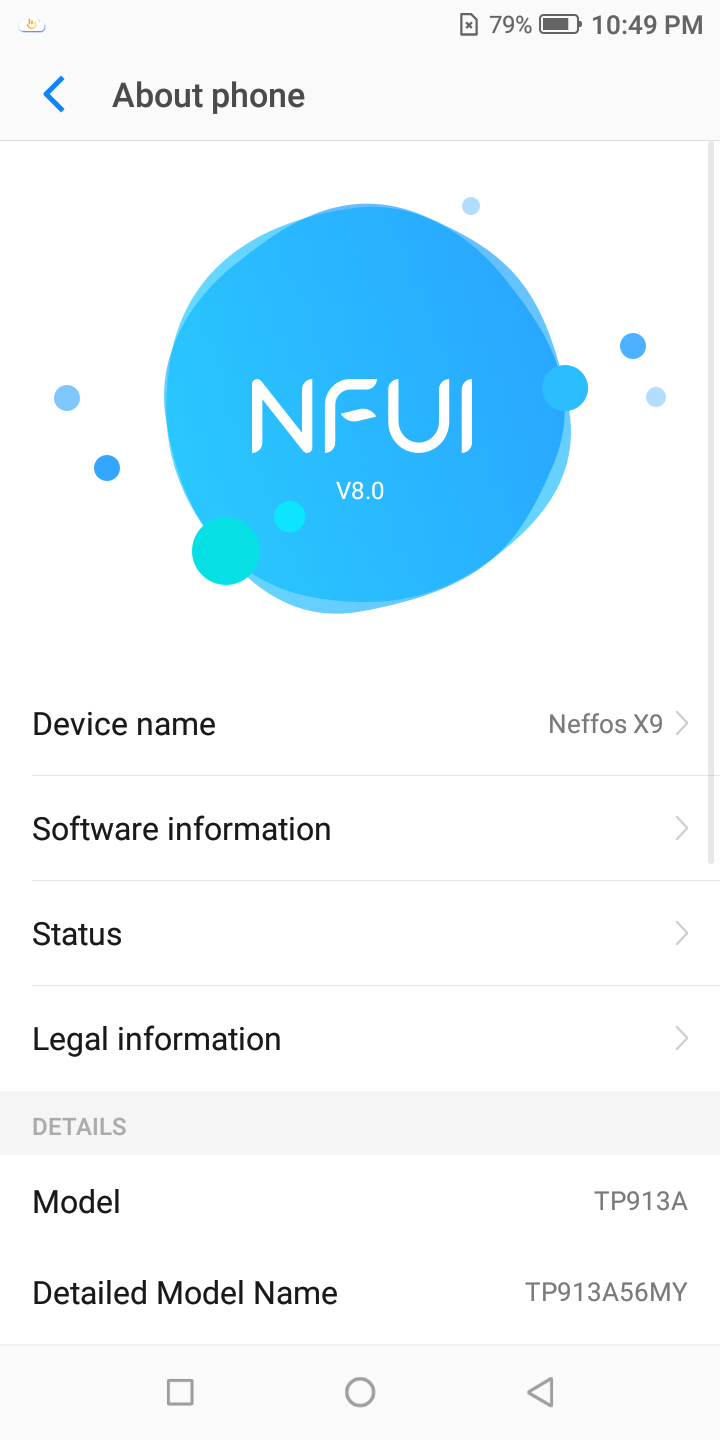
| OS: | NFUI 8.0 based on Android 8.1 Oreo |
| Connectivity: | Wi-Fi 802.11 a/b/g/n (2.4 GHz and 5 GHz) Bluetooth 4.1 LTE FDD: Band 1/2/3/4/5/7/8/20 |
| SIM: | Dual nanoSIM (second nanoSIM slot shared with microSD slot) |
| Battery: | Li-ion 3060 mAh (non-removable) |
| Dimensions: | 159.5 x 76.3 x 7.9 mm |
| Weight: | 168 g |
The Neffos X9 uses a medium class MediaTek SoC which is cheap and reliable but when it comes to handling big graphic tasks, it doesn't fare so well. So as usual I would give that a test with my PUBG Mobile game to see how the Neffos X9 handles the game. And what I can say is, nope. It doesn't do well at all.
But where it fails in graphics, it succeed in normal day-to-day tasks such as social network apps, emails, photo editing and productivity suites. Gaming is still possible but it just can't handle the high-end heavy graphics game like PUBG. If you're still playing Candy Crush, then it's all good.
The Neffos X9 uses a Li-ion 3060mAh battery which can last the whole day without charging in-between, all thanks to the low power consumption by the 720p display. And since this phone is targeted to normal daily users, it is more than enough to get by.
OS and NFUI 8.0
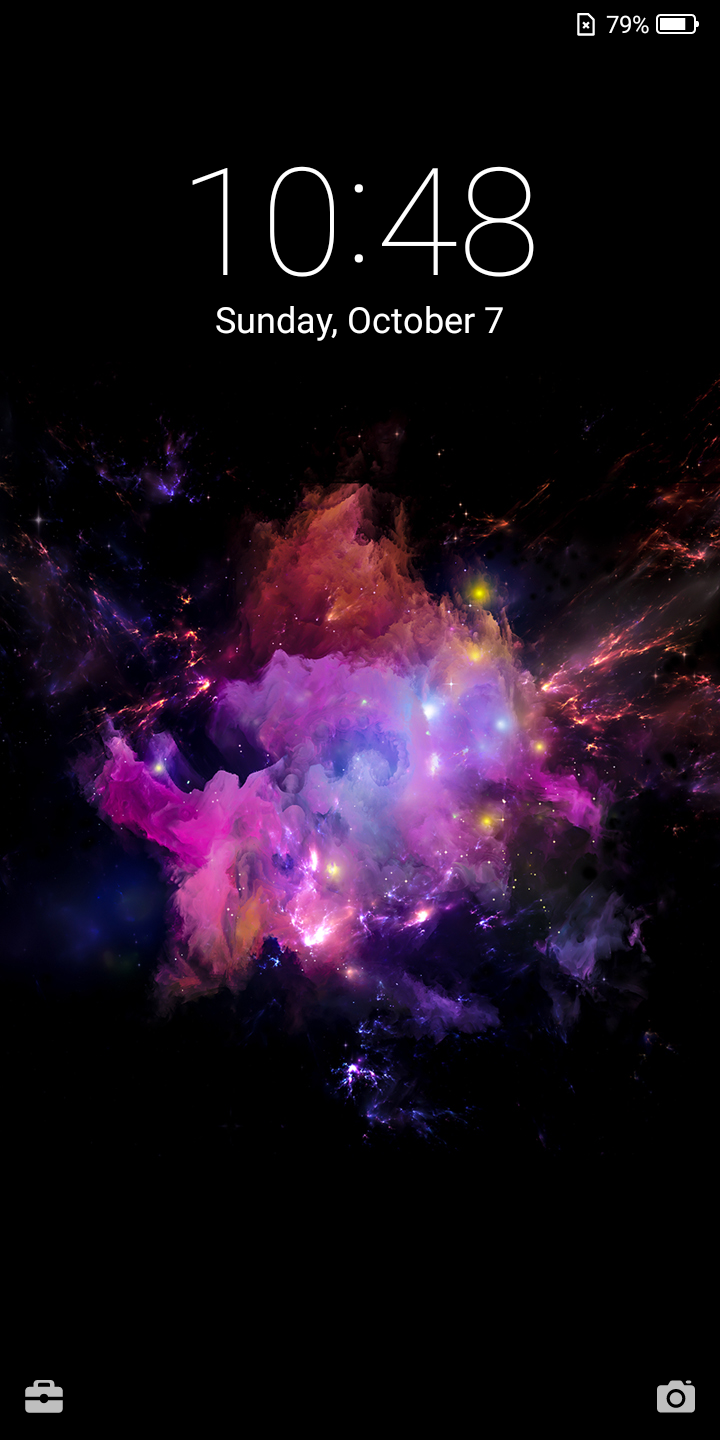
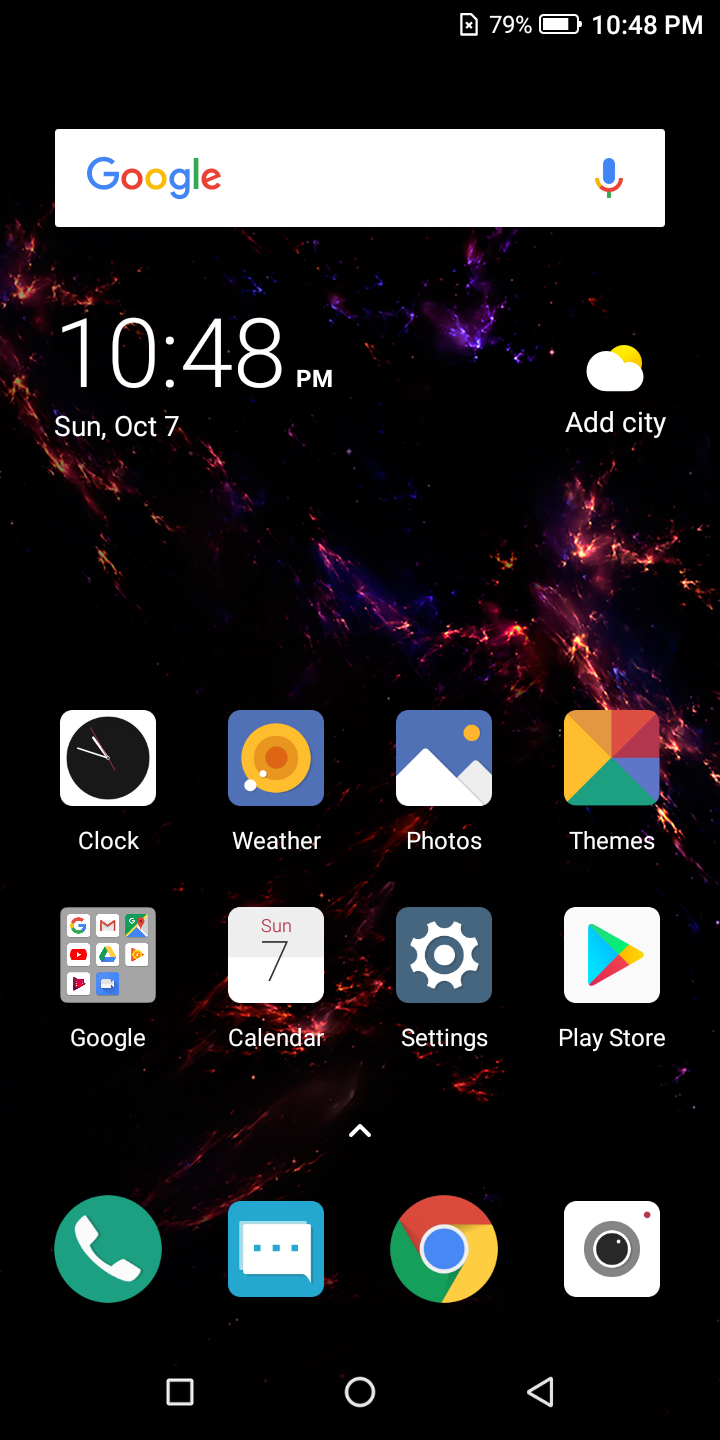
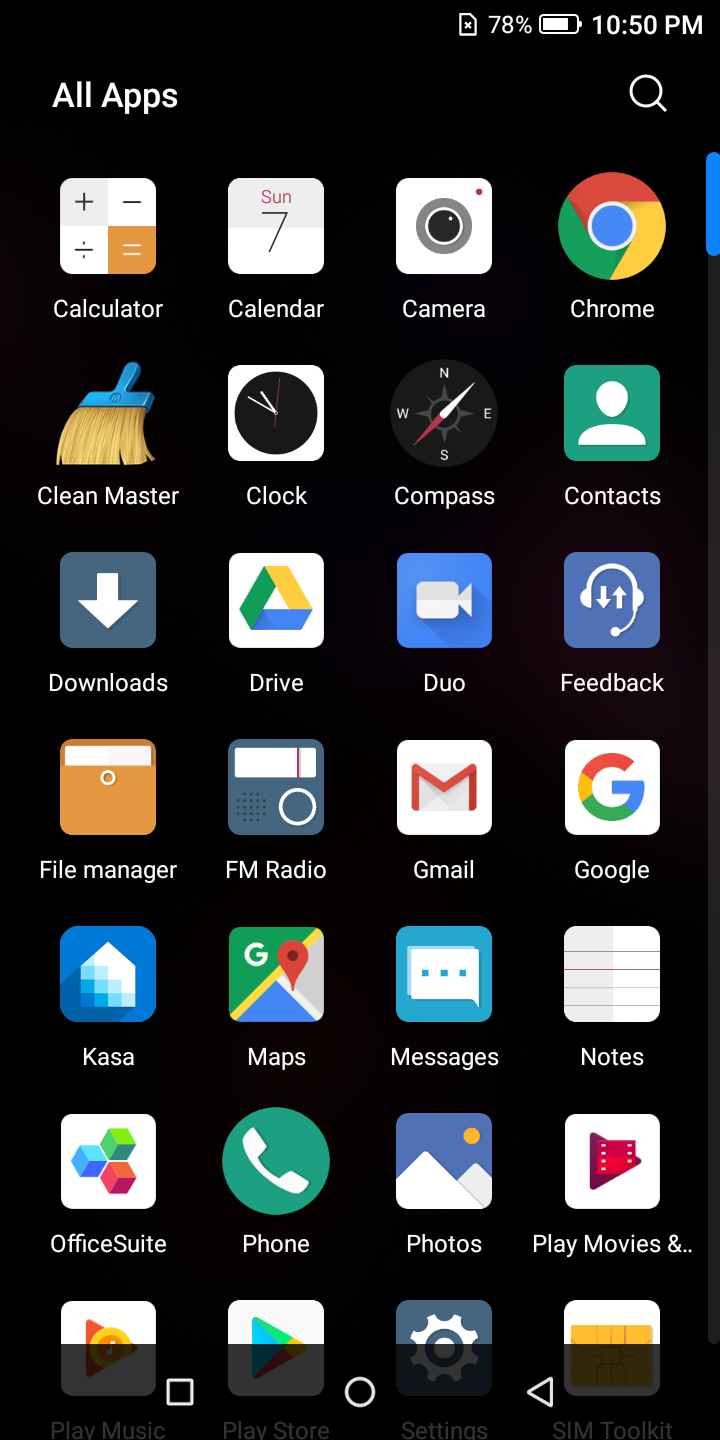
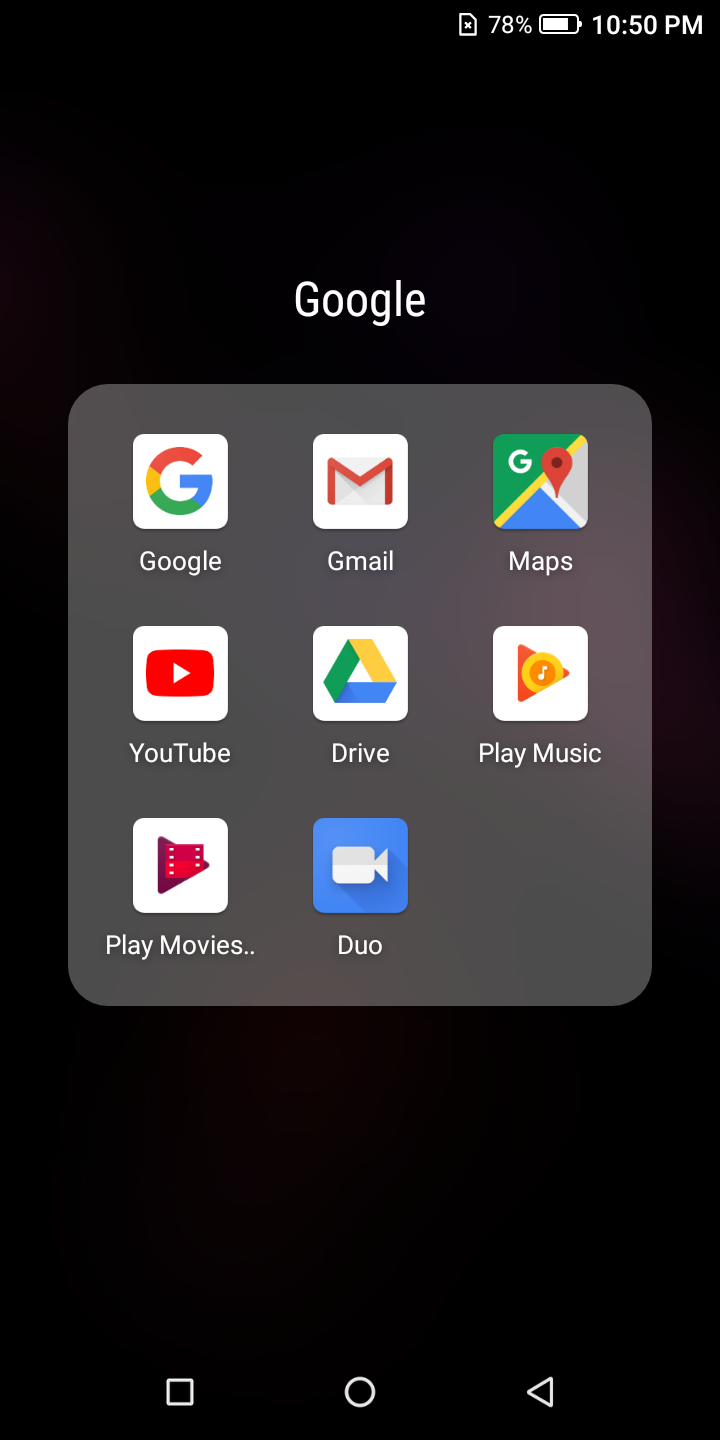
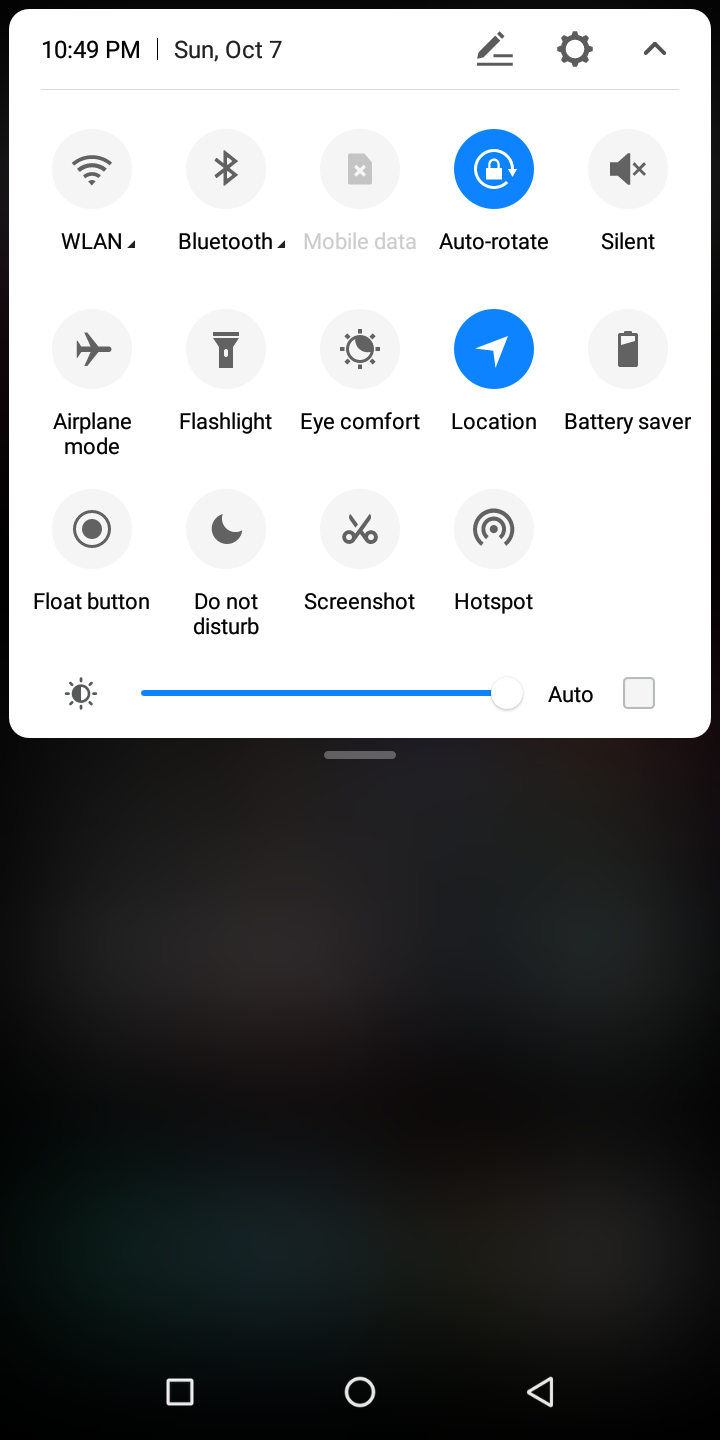
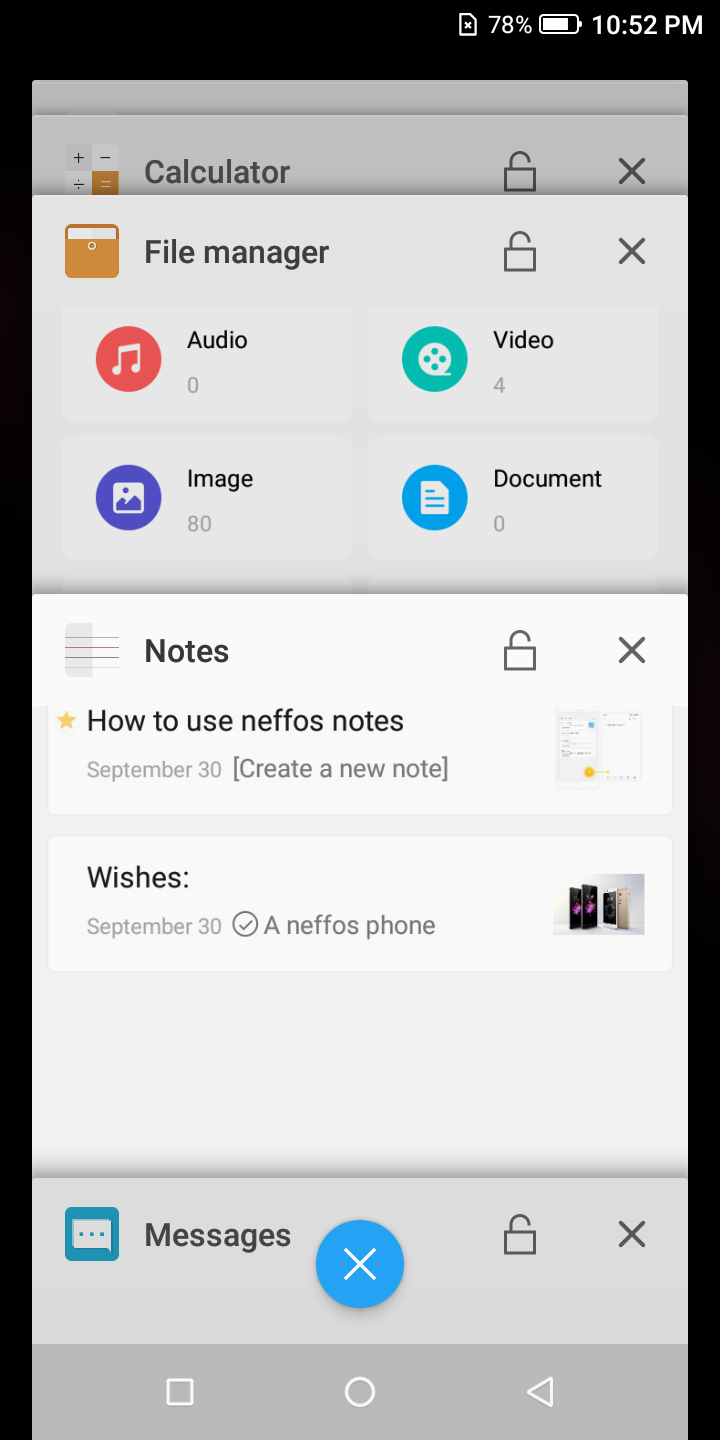
When it comes to OS, the Neffos X9 comes with Android 8.0 Oreo and with it's own NFUI launcher on top of the OS. The UI/UX is just basic but at the same time it's easy to navigate around. The app drawer can be launched by swiping from the bottom upward on the screen. You can also have an option to use the built-in gesture features to navigate back or home instead of the usual back and home button.
|
|
|
|
|
|
One good point is that the layout is tidy. And the icons looks good too. They don't need to put too many things in the UX because I like the idea of "less is more". So I'm totally fine with the UX on the Neffos X9.
The Android Oreo runs well on the Neffos X9. There are no glitches anywhere and everything runs smoothly. There area also a few available themes to download so you can customize the look and feel to your liking.
|
|
Next: Neffos X9 - Camera, Photos & Conclusion
Camera
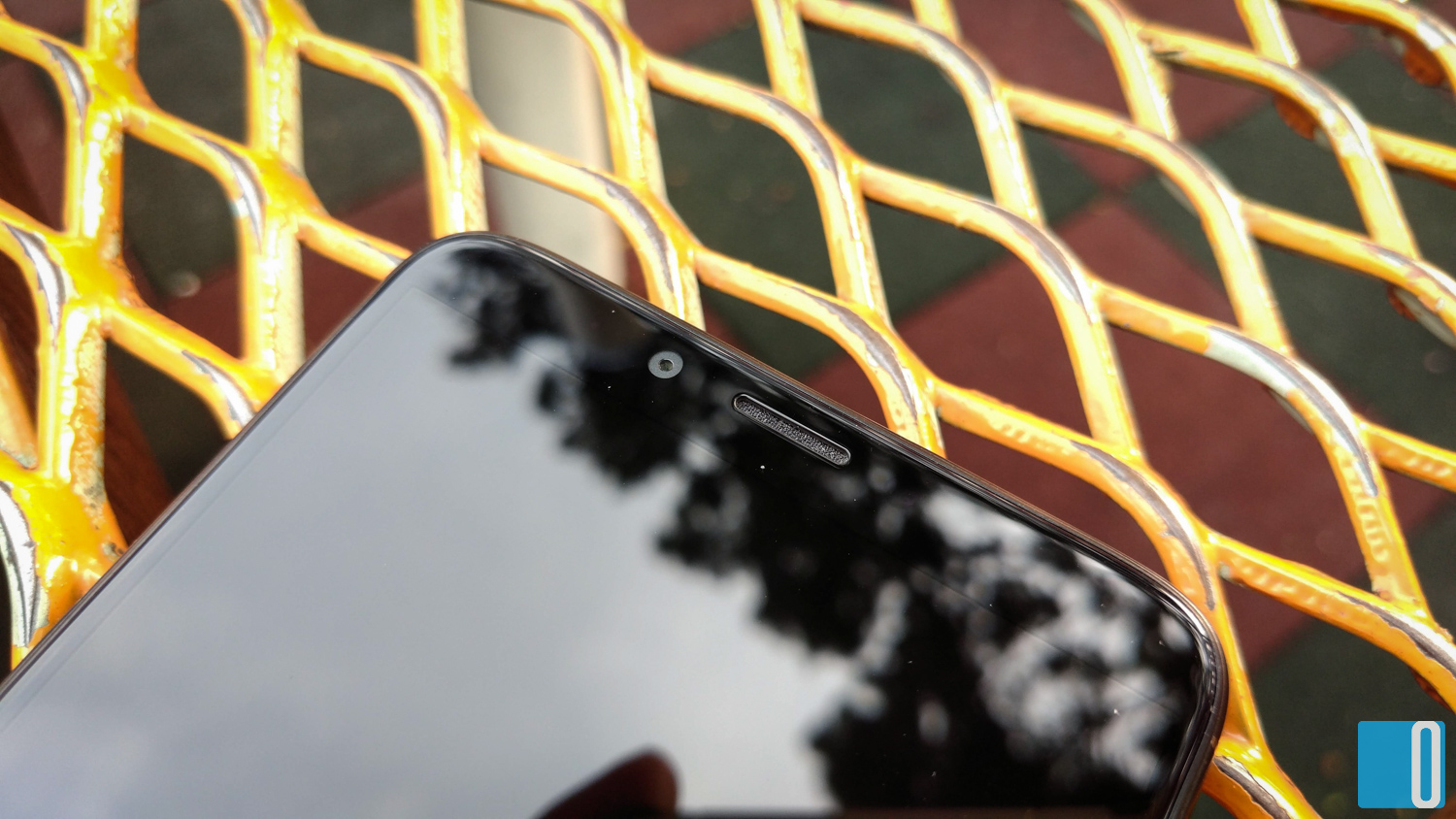
Now the Neffos X9 comes with dual camera setup. The main rear camera is a 13MP f/2.0 PDAF camera while the secondary rear camera is a 5MP depth detection camera. That means it's the camera that takes "bokeh" shots. Front camera is an 8MP f/2.2 beauty/selfie camera. The dual tone LED flash is only available for the rear cameras.
Taking a photo with the Neffos X9 is a snap. It launches the camera app quickly and focus almost immediately. But the result is somewhat a little bit disappointing. Normal photos would sometimes get blurry and out-of-focus. You must have a steady hand if you wish to get a clear shot of your subject.


Colours aren't that punchy but surprisingly the HDR function works well. In HDR mode, the camera takes 3 quick shots (normal, -1 underexposure, +1 overexposure) and combines the 3 photos together. The colours and tonal balance turns out well here. Not spectacular but usable. So when I wish to take nicer shots, I'll turn on the HDR.

I also notice a slight blurry results at the edges when using the normal auto mode. I tried taking a few more shots in case I moved too much just to make sure. But it is still a little bit blurry. It is not obvious, but only visible when you look closely.
Now let the photos do all the talking...
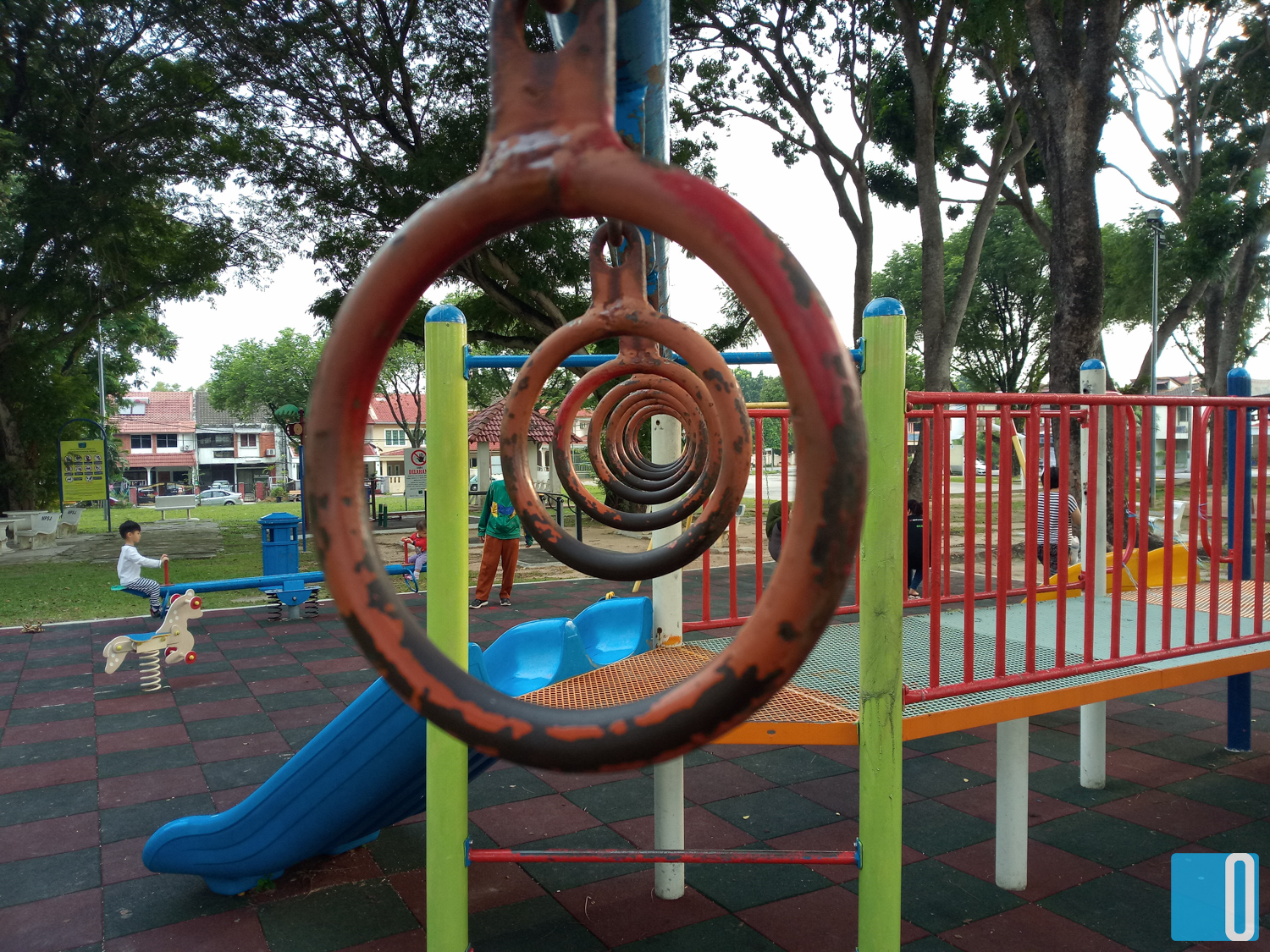


As you can see, there are some hit and miss in the photos. Some are blurry but some prevails. Night shots are obviously "noisy" but a little editing can remove the noise or at lease minimize it. Shooting in HDR is much better than shooting it in standard mode. This way, you will get much better and more accurate colours.
So taking a photo with the Neffos X9 is okay. It's not brilliant, but it's not that bad either. The hit and miss is all based on luck. But taking still photos will be just fine.
Conclusion
So after 2 weeks of using the Neffos X9, I concluded that the Neffos X9 is a fine phone. It is suitable for the normal users and by normal here means, not hardcore gamers and not those who does video editing on their phones. It handles normal applications and social networking apps really well.
It is made for simple usage and probably targeted towards the working class people who are looking for something elegant but not wanting to splurge on a high-end device. Or it can also be used as a second phone, especially those who doesn't want to mix work and personal in a single device (like me).
The Neffos X9 is responsive, sturdy and thin. The size is just right and it fits into my pocket comfortably. It being lightweight tends to make me feel like I've lost the phone because I can't "feel" it in my pocket. But that's a good thing. I know the phone is there but yet it doesn't feel like it's there. Make sense?
So would I recommend the Neffos X9 to anyone? Yes, if only you're looking for a cheaper alternative when looking for a second phone. Yes, if you're buying it for your child as his/her first smartphone. No, if you plan to play hardcore gaming on it. Bottom line is, it's good for normal usage, good for budget, bad for gaming and so-so for photography.
The TP-Link Neffos X9 is selling at RM599 for the 3GB/32GB version.
Leave a comment